Bot Page
A guide for the bots page on TopStats.gg.
Data collection
Data is fetched hourly from Top.gg, all times displayed on our site are localised to your countries date formatting, and the timezone that you are in!
Bot Profile
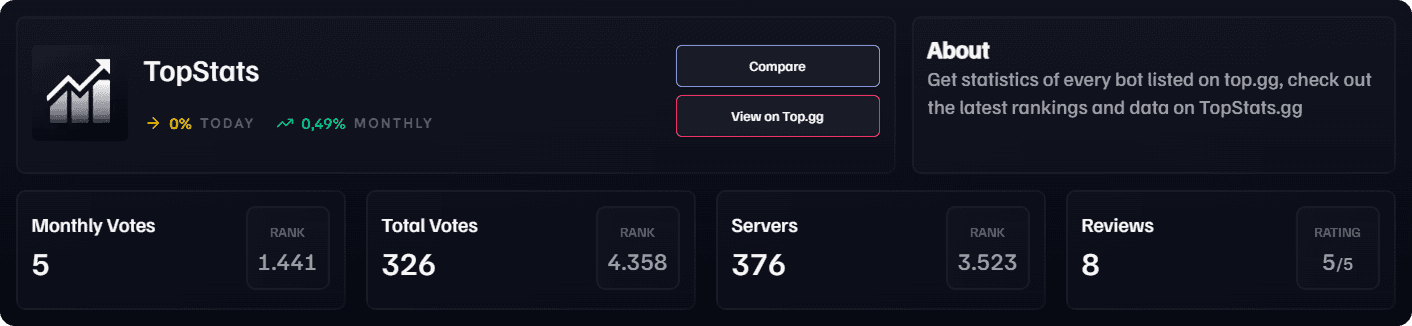
You can quickly see the most important information in the bot profile. You can also be redirected directly to the Top.gg page or compare the bot.
Trends
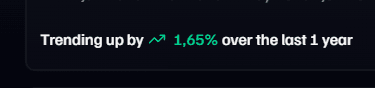
We also display the trend of the bot, which is calculated based on the growth over the last day and month.

Rank
The rank indicates the bot's position in the leaderboard.
Graphs
We currently display four different graphs on our bot pages:
- Monthly Votes
- Total Votes
- Server Count
- Total Reviews
Monthly Vote Reset removed
Since January 31, 2026, top.gg no longer resets votes at the start of each month. Instead, we show you your total votes for the last 28 days. Votes now keep adding up over time and are not set back to zero monthly.
Using our Graphs
Tooltips
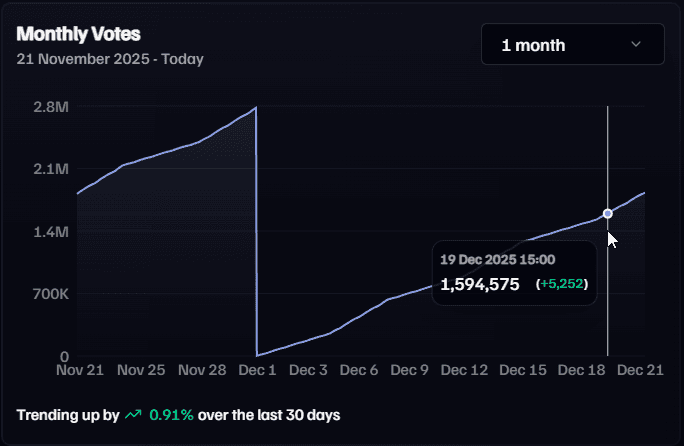
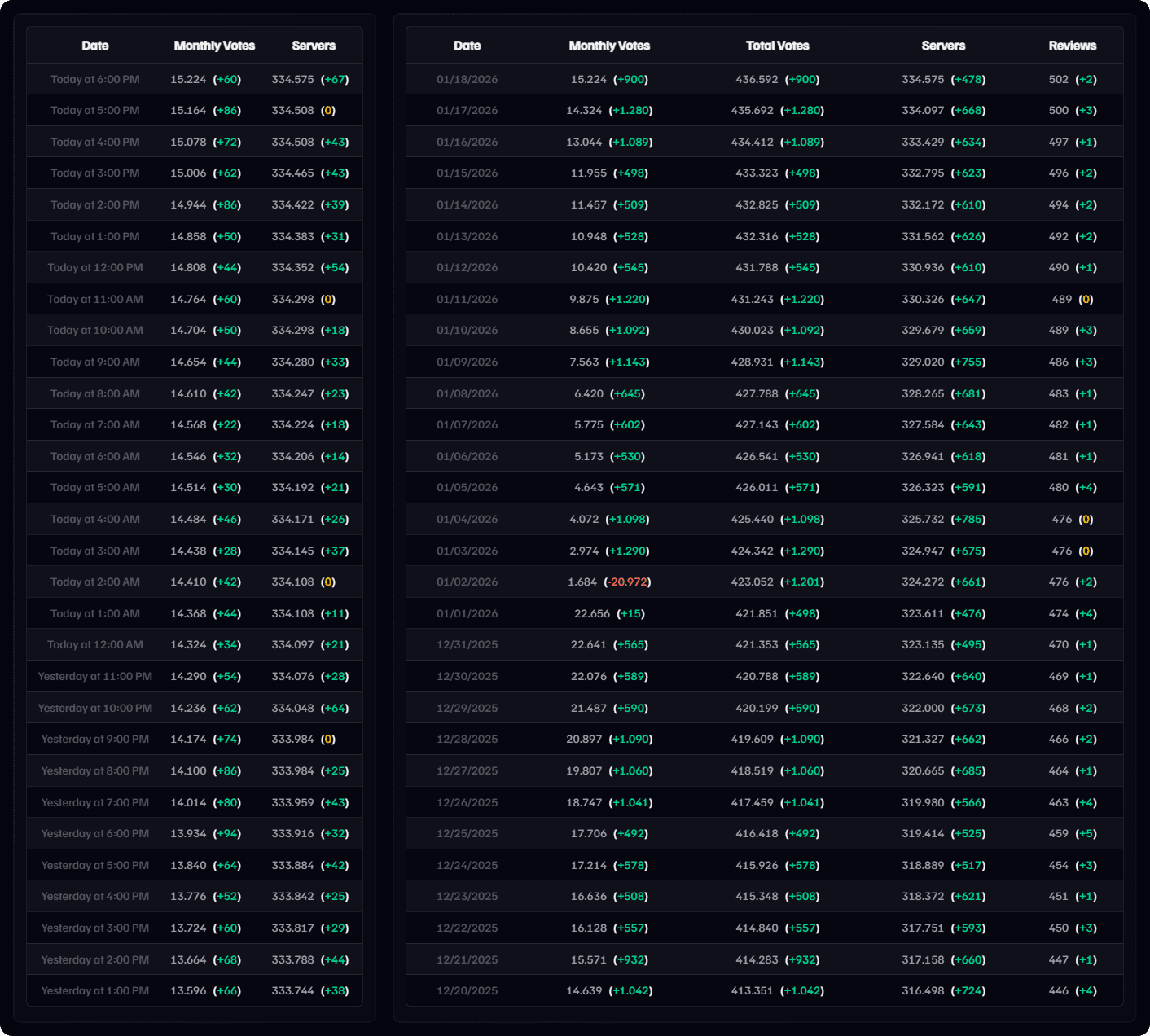
Hovering over the graphs, you can see the exact data points, their dates and values. The value in brackets, indicates the growth or loss compared to the previous data point. So for example if would show the growth from the previous hour.
Average Growth Percentage
The average growth represents the mean percentage change over a selected time range.
It is calculated by averaging the growth percentages of each individual time period.
The average growth is calculated using the following formula:
-
= Growth rate of the -th time period (e.g. day, week, or month) in percent
-
= Total number of time periods included in the calculation
Hourly and Daily Tables
Data is fetched hourly and is updated here, the times are localised to your countries date formatting,and the timezone that you are in!
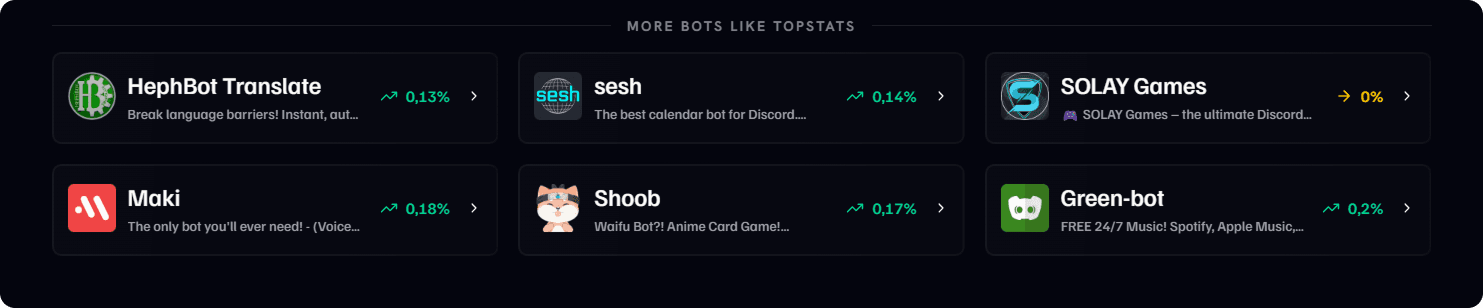
Recommend Bots (More Bots Like ...)
The recommended bots listed at the bottom of the page as picked based off one of the random tags that a bot has been assigned, and picks the bots with the most traffic to display.