Leaderboard Page
A guide for the leaderboard page on TopStats.gg.
The Leaderboard page on TopStats.gg displays the top Discord bots based on various metrics such as votes, server count, and more.
Sort by category
You can sort the leaderboard by a specific category by clicking on the respective title.

Trends
For each bot, you can see how many positions it has gained or lost on the current day.

Compare bots
You can compare multiple bots by selecting them using the checkboxes next to their names. Then click the “Compare” button displayed at the bottom of the ranking list.
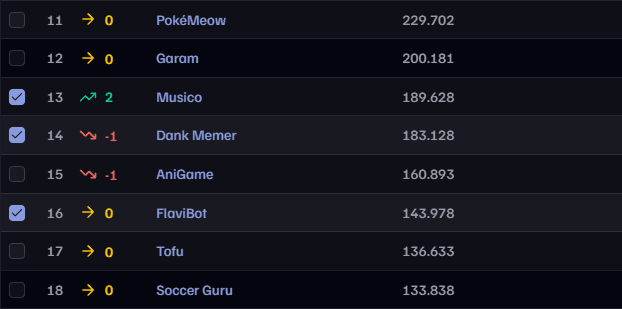
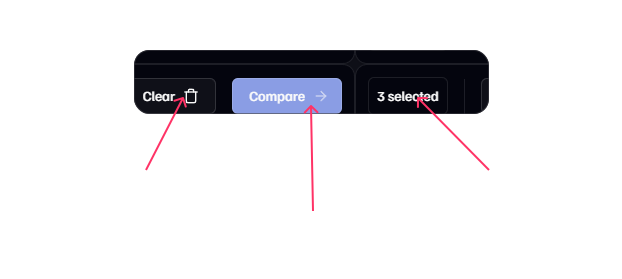
You can compare up to 4 bots at once — with Premium, that limit jumps to 8 ✨
Change the page
If there are more bots than fit on one page, you can navigate through the leaderboard using the pagination buttons at the bottom.
