Search Page
A guide for the search page on TopStats.gg.
The Search page on TopStats.gg allows you to find Discord bots quickly by entering the bot's name.
Using the search bar
At the top of the Search page, you'll find a search bar where you can type in the name of the bot you're looking for. As you type, suggestions will appear to help you find the bot faster.

Show deleted bots
If you want to include deleted bots in your search results, you can enable the "Show deleted bots" option located next to the search bar. This will allow you to see bots that have been removed from Top.gg.

Search results
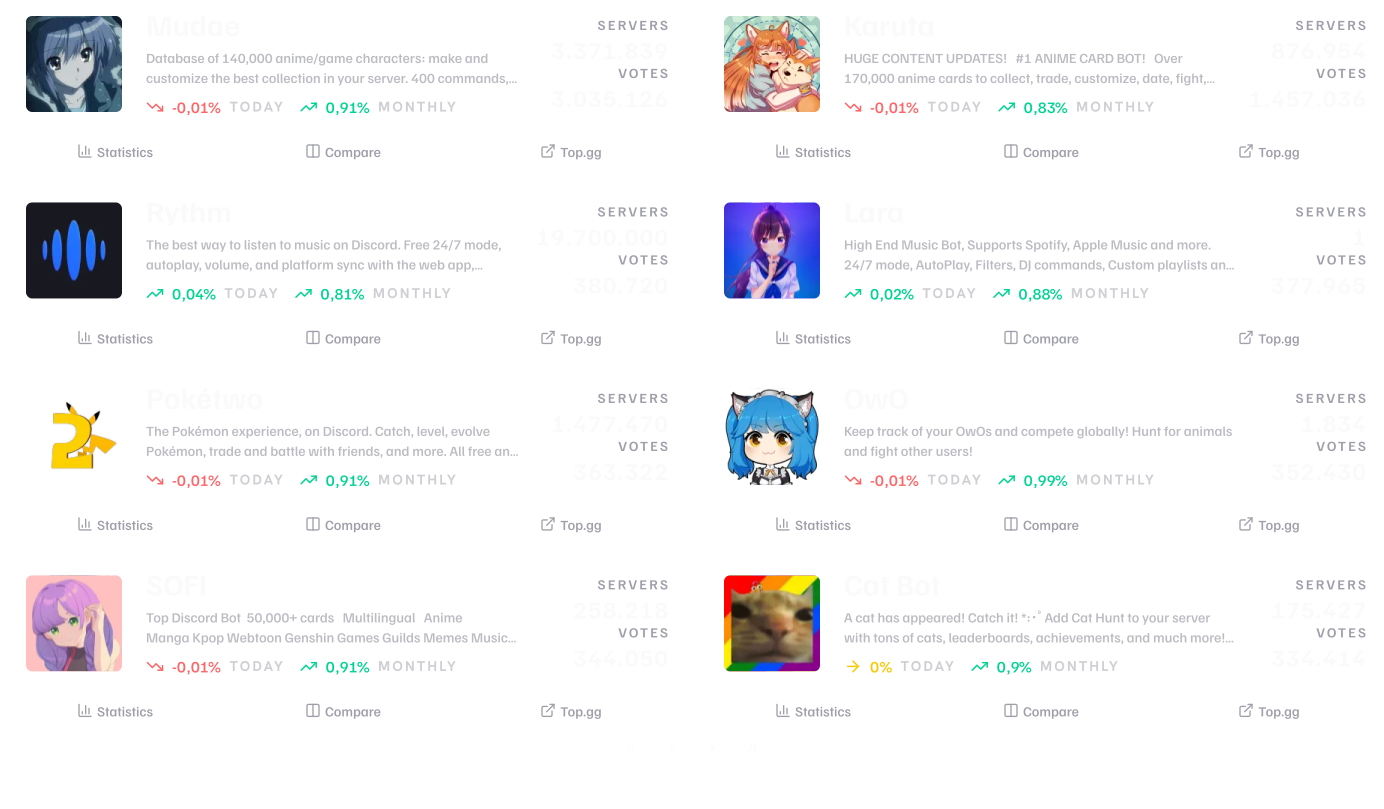
After entering your search query, press Enter or click the search icon. The page will display a list of bots that match your search criteria. You can click on any bot in the results to view its detailed profile.